
Executive Summary
Across the August 30 lossless-default run, an independent libheif decode and each PDF's extracted image differed by 0.000–0.007 mean RGB channel values on a 0–255 scale, with no pixel differing by more than three channel values. EXIF descriptions, dates, and Display P3 ICC metadata still did not survive. The July compact-output rows remain in the CSV as a separate historical baseline.
For settings and workflow advice, read HEIC to PDF without losing quality. Download the fixtures, measurements, network trace, and limitations below.
Current lossless-default matrix
| Test | Result | What survived | What changed or disappeared |
|---|---|---|---|
| sRGB landscape | Pass | 1200 × 800 PNG embedded at native dimensions; 0.007 mean embedded-pixel error. | Source container metadata was not copied; 44,092-byte HEIC became a 49,139-byte PDF. |
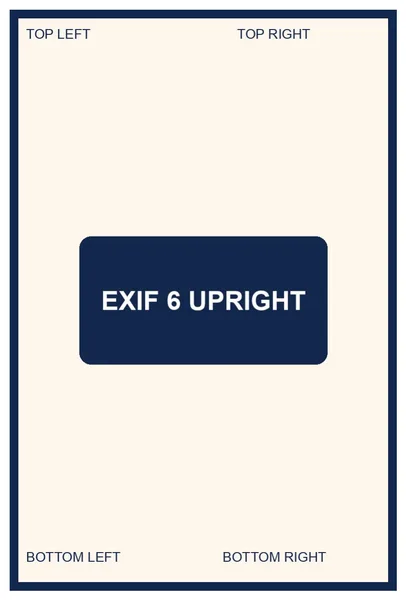
| EXIF orientation 6 | Pass | Stored 1200 × 800 pixels displayed and embedded upright as 800 × 1200 PNG. | Orientation was baked into pixels; EXIF description and dates were removed. |
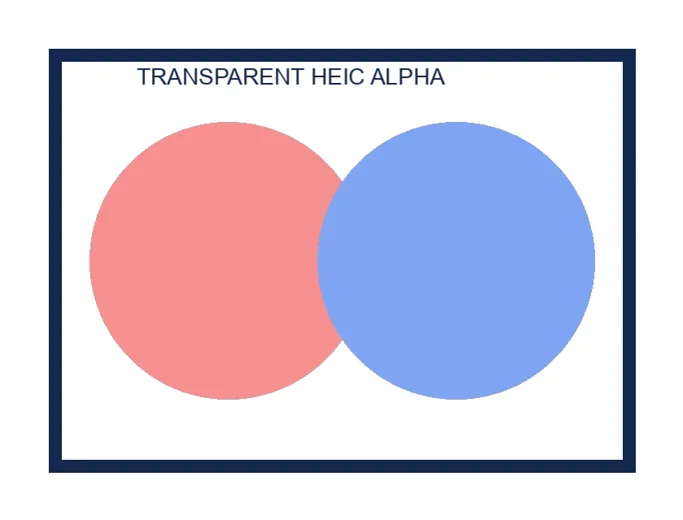
| Transparent alpha | Pass | 800 × 600 PNG plus an 800 × 600 soft mask; 0.002 mean embedded-pixel error after white compositing. | Original HEIC container metadata was not copied. |
| Display P3 gradient | Partial | 1000 × 700 PNG embedded at native dimensions; 0.002 mean embedded-pixel error. | Display P3 ICC profile was not embedded in the PDF; the output is not a color-managed archival substitute. |
| High-detail pattern | Pass | 2400 × 1600 PNG embedded at native dimensions; 0.002 mean embedded-pixel error and no pixels over the three-value threshold. | The 124,002-byte synthetic HEIC became a 65,173-byte PDF; synthetic compression ratios do not predict phone-photo output size. |
Source: GoPDFConverter HEIC-to-PDF Compatibility Dataset. The current-default rows were measured in Chrome on August 30, 2026; the CSV preserves the July 10 compact-output baseline as separate rows. Fixture and output SHA-256 values identify the exact inputs and measured outputs.
Does HEIC-to-PDF conversion preserve quality?
The current default removes the avoidable second lossy generation by embedding the browser decoder's PNG pixels. Compared with an independent libheif decode, the five extracted PDF images measured 68.142–83.466 dB PSNR and 0.000–0.007 mean absolute RGB-channel error; no pixel differed by more than three channel values. Small differences can still occur between HEIC decoders, so “lossless” describes the PDF's handling of the browser-decoded pixels, not identity with the original HEIC bitstream or every independent decoder.
Poppler page renders measured 22.119–35.673 dB after rendering each PDF at its 150-PPI placement density and removing the 20-point margin. Those lower end-to-end scores include HEIC decoder and PDF renderer differences, not a second JPEG encode. The July compact baseline remains in the CSV for comparison. Real phone-photo PDFs can be much larger because HEIC compresses photographic content more efficiently than PNG/Flate; choose the explicit compact option when delivery size matters more than avoiding another lossy generation.
Does HEIC-to-PDF conversion preserve metadata?
No. The test fixture contained EXIF orientation, a synthetic description, and synthetic capture dates. Orientation affected the decoded pixels, but the source EXIF block was not copied into the PDF. The Display P3 fixture decoded visibly, but its ICC profile was not embedded in the resulting PDF image.
This metadata removal can reduce accidental sharing of capture details, but it is not presented as a universal metadata-scrubbing guarantee. Other HEIC structures were not tested. If metadata removal matters legally or operationally, inspect the actual output with a dedicated metadata tool.
Does the browser upload the HEIC photo?
After a safe 44,092-byte fixture was selected and converted, Chrome recorded decoder/library GET requests, local blob: reads, and Google Analytics requests. No remote request body matched the input or output size, no conversion API was called, and the analytics completion event contained the tool name and output size—not the photo bytes.
| Observed destination | Purpose | Photo or PDF bytes? |
|---|---|---|
cdn.jsdelivr.net | Loaded PDF-LIB and libheif-js code after conversion began. | No; GET requests for public JavaScript/WASM assets. |
blob:https://gopdfconverter.com/… | Browser-local decoded image and generated download. | Local object URLs; not a network destination. |
google-analytics.com | Page analytics and pdf_tool_complete measurement. | No file bytes; event metadata included the tool and output size. |
| Conversion endpoint | None observed. | No upload request occurred. |
For a repeatable check on your own device, use the two-minute browser network test with a non-sensitive sample first.
Download the five HEIC test fixtures
These deterministic files contain only synthetic shapes, labels, gradients, and test metadata. They are published so another HEIC converter can be tested against the same inputs.
| Fixture | Input property | Bytes | SHA-256 |
|---|---|---|---|
| sRGB landscape HEIC | 1200 × 800, nclx color | 44,092 | d97193e4…e8e289 |
| EXIF orientation 6 HEIC | 1200 × 800 storage, 800 × 1200 display | 36,292 | 00ae8dea…f8354 |
| Transparent HEIC | 800 × 600 with alpha | 35,374 | b782c6ca…6a5d6 |
| Display P3 HEIC | 1000 × 700 with ICC profile | 16,734 | 4dc47ea2…b4ebc |
| High-detail HEIC | 2400 × 1600 checkerboard stress pattern | 124,002 | 14bc863d…6093 |


Download fixture manifest Download validated results Open HEIC to PDF
Method
- Generate deterministic inputs.
Pillow created five synthetic source images. libheif 1.21.2 encoded HEIC fixtures with orientation, alpha, nclx, or Display P3 ICC properties. SHA-256 hashes identify the exact files.
- Convert each sample in the browser.
On August 30, 2026, Chrome ran the production lossless-default path with libheif-js decoding, PNG embedding, Smart Auto at 150 PPI, automatic orientation, and a 20-point margin. The CSV also retains the July 10 compact-output baseline.
- Trace network requests.
Chrome DevTools Protocol recorded request URL, method, type, and request-body length from file selection through the completion event.
- Validate independently.
heif-convertdecoded each source outside the browser. Poppler 26.05.0 checked PDF pages, page boxes, embedded image types, native dimensions, effective density, and alpha soft masks; it also extracted each embedded image and rendered each page at the recorded 150-PPI placement density. - Compare pixels and renders.
The extracted PNG plus soft mask was white-composited and compared with the independent source decode. Separately, the 20-point PDF margin was removed from the 150-DPI page render. Both comparisons report PSNR, mean absolute error, and the percent of pixels differing by more than three channel values.
What this test does not cover
This lab does not cover HDR gain maps, 10-bit tonal accuracy, depth maps, Live Photo video, image sequences, auxiliary thumbnails, monochrome HEIF, malformed containers, very large phone panoramas, real camera-photo compression ratios, or every ICC/nclx combination. A multi-image HEIC container may contain more than one item; the current converter uses the primary decoded image from each selected file.
Output SHA-256 values identify this run but can change between otherwise equivalent conversions because PDF creation timestamps change. Source fixture hashes are stable.